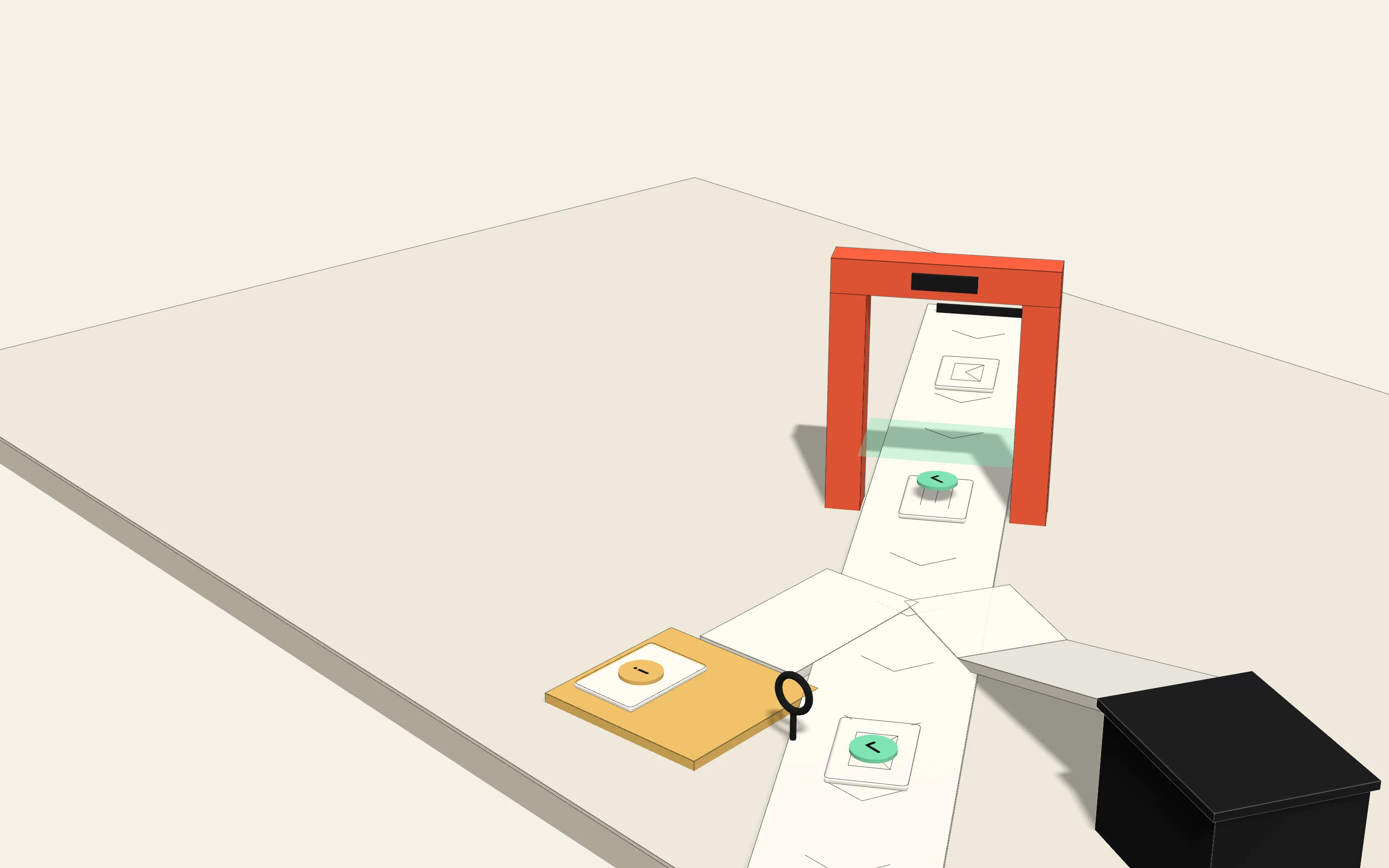
A safety net for AI that does real work
Let your AI take action. Safely.
AI assistants now send emails, update records, and move money on their own. Sentisec sits in the middle, keeps a record of what they do, and stops the risky actions before they happen.
SENTISEC · WATCHING LIVE
Your AI wants to do three things. Sentisec checks each one:
- Reply to a customerAllowed
- Issue a $5,000 refundFlagged
- Change a supplier's bank detailsBlocked
That last one came from a hidden note inside an email. Sentisec caught it.
Each action your AI routes through Sentisec is checked before it runs.
Selected for the 2026 EPFL Startup Launchpad AI Track.
This project is supported by UBS Switzerland AG and its affiliates through the EPFL Startup Launchpad AI Track.
Your AI doesn't just chat anymore. It acts.
The first AI tools only answered questions. The new ones actually do things: reply to customers, update your systems, handle invoices. That saves real time. But once AI acts on its own, you need to know what it did, why, and whether it was safe.
New rules are here
Europe's new AI law expects companies to keep records of what their AI does and to keep people in control. Your customers and your board are already asking the same questions.
It's hard to see what happened
When something goes wrong, the story is scattered across half a dozen tools. Piecing it together by hand is slow and stressful, right when you need answers fast.
The risk hides inside normal work
AI can be tricked. A hidden note in an email or a PDF can make it do the wrong thing, using access it legitimately has. Regular security tools don't see it.
A checkpoint for your AI.
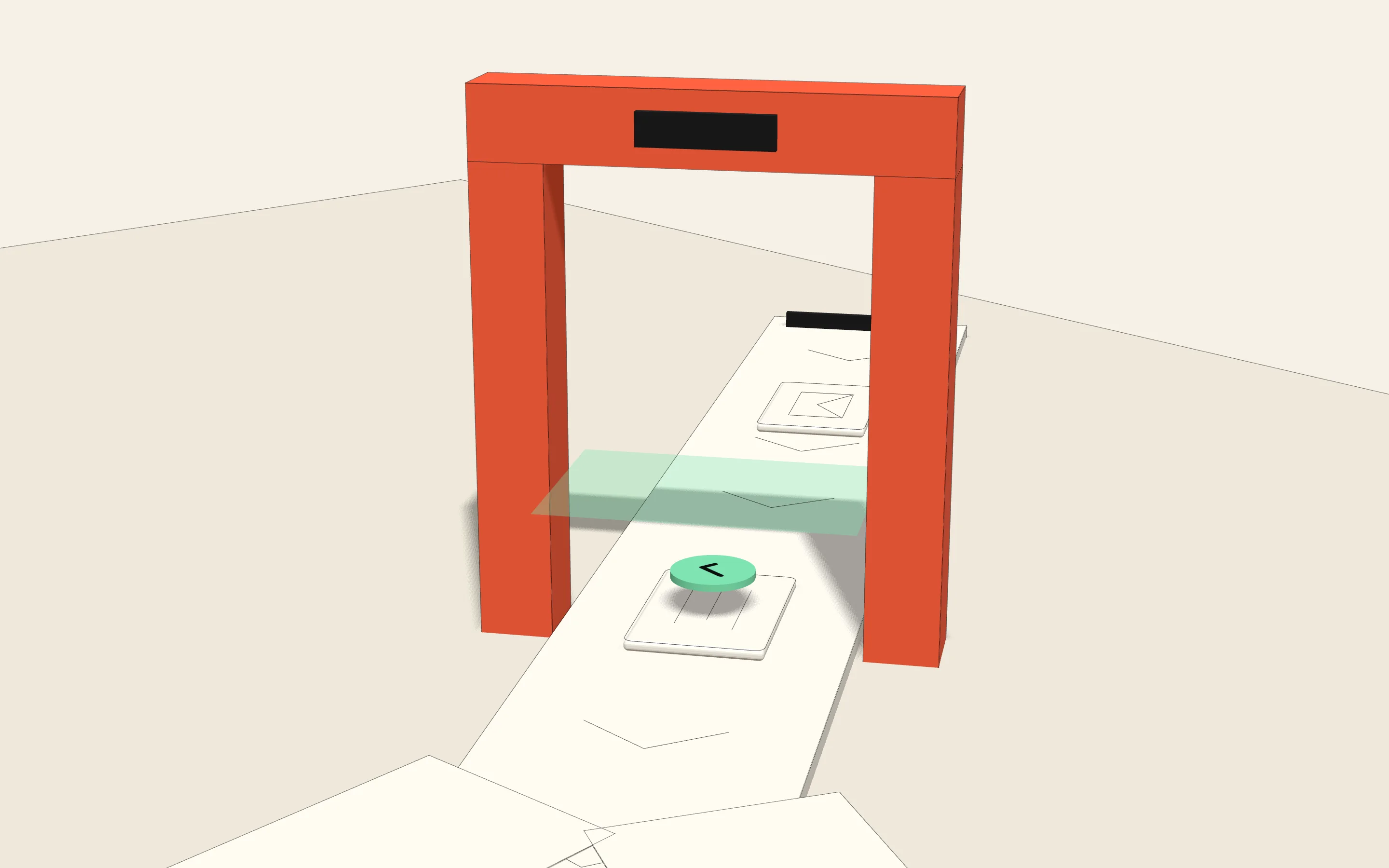
Your AI's requests go through Sentisec first. Each action it proposes is checked and recorded before it runs, and once you turn on the controls, the risky ones are stopped. Your tools and workflows stay as they are.
- 1
Your AI asks to act
Send an email, update a record, approve a payment. Whatever your AI is set up to do.
- 2
Sentisec checks it
Is this safe? Who really asked for it? Is anything suspicious hiding in the request?
- 3
It decides before anything runs
Safe actions go through untouched. Sensitive ones are flagged. Dangerous ones are stopped.
AllowedFlaggedBlocked
Under the hood, Sentisec does four simple jobs:
The rulebook
Decides which actions go through, which get flagged, and which are blocked.
The lie detector
Spots when your AI has been tricked into acting against the task it was given.
The black-box recorder
Keeps the full story of everything that happened, so you can replay it later.
The locked archive
A tamper-evident copy of that record, ready to hand to auditors at any time.
WHAT SENTISEC SAW · REPLAY
How Sentisec stops a bank-details scam.
An invoice arrives by email. Hidden inside the attachment is a secret instruction: change the bank account for future payments. The AI almost does it. The request looks completely normal.
- 10:07
An invoice came in
The AI was asked to process the attached PDF.
- 10:07
Something was hidden inside
The attachment carried an instruction from an untrusted source.
- 10:08
The AI tried to act
It moved to change the supplier's bank details.
- 10:08
Blocked: this changes where money goes
The instruction came from an email attachment, not a person, and it would redirect payments. Sentisec stopped it and alerted the finance team.
- 10:09
People took over
Finance reviewed the alert, and the full record was saved.
Regular security saw a normal request from a trusted app. Sentisec saw the whole story: where the instruction really came from, and what it was about to do.
Four things you get from day one.
See what your AI is doing
A live view of your AI and the actions it takes, in plain language. No digging through logs.
- 14:03Started a $40 refundCustomer supportFlagged
- 14:05Updated a customer noteSalesAllowed
- 14:06Ranked job candidatesHRRecord kept
- 14:08Tried to change bank detailsFinanceBlocked
Set the rules
Decide what your AI may do on its own. Sensitive actions get flagged or stopped, with the full story attached.
Catch the risky stuff
Sentisec spots tricked or misbehaving AI and stops it before harm is done.
Prove it to anyone
A tamper-evident record of what your AI did through Sentisec, ready for auditors and Europe's new AI rules.
- Record
- #1f9d4a
- Date
- June 2026
- Tamper-evident
- sealed
In the record: who used the AI, what it was asked to do, which documents it read, every action it took, and anything suspicious it caught.
One clear picture for the whole team.
Operations watches what's happening. Security reviews anything odd. Compliance exports the proof. Everyone reads the same plain-language view.
- AI sessions today
- 128
- Flagged for review
- 6
- Blocked this week
- 3
- Records sealed
- 1,904
| Time | Team | What the AI did | Result |
|---|---|---|---|
| 14:03 | Customer support | Started a $40 refund | Flagged |
| 14:05 | Sales | Updated a customer note | Allowed |
| 14:06 | HR | Ranked job candidates | Record kept |
| 14:08 | Finance | Tried to change bank details | Blocked |
- What the AI didEvery request, action and decision
- Who was behind itThe person and system that asked
- How it behavedAnything risky or unusual it caught
- Where info came fromWhich documents and sources it used
- The paper trailA tamper-evident, dated record
Ready for Europe's AI rules, without the headache.
The EU AI Act doesn't ask for magic. It asks you to keep records, keep people in control, watch how your AI behaves, and protect it from misuse. Sentisec does exactly that, automatically.
Keep records
What that meansBe able to show what your AI did, and why.
Saves every action, decision and alert, automatically.
Human oversight
What that meansPeople can see, and step in on, what the AI does.
Flags sensitive actions in real time, with the full story attached.
Watch how it behaves
What that meansNotice when something is off.
Live alerts for risky actions and unusual behaviour.
Protect against misuse
What that meansStop people tricking your AI.
Stops unsafe actions, including ones planted by hidden instructions.
Sentisec gives you the records and controls the new rules expect. It's a tool to help you get ready, not legal advice or an official certificate.
Nothing to rebuild. It plugs in.
Sentisec works with Claude, OpenAI, Gemini and Amazon Bedrock, where it covers Mistral, gpt-oss, Qwen and Claude Haiku models. It checks the actions your AI takes on the systems it connects to. And it starts in watch-only mode: your rules report what they would have stopped, without blocking anything, until you decide to turn them on.
- Claude
- OpenAI
- Gemini
- Amazon Bedrock
- Custom AI
- CRM
- Finance
- Your apps
For your developers, it's a one-time setup:
# install the edge and sign in$ pipx install sentisec-sdk && sentisec login# start in watch-only mode$ sentisec edge✓ watching live · not blocking anything yetWhen you're ready, turn on the controls for the actions you choose.
If your team uses AI to get work done, this is for you.
Customer support
Keep an eye on refunds, replies, and anything that reaches a customer.
HR & recruiting
Keep fair, clear records whenever AI helps with hiring.
Finance & insurance
Track approvals, payments, and access to sensitive data.
Legal & compliance
Know exactly what your AI read, said, and decided.
Operations
Stay in control of orders, updates, and anything sent outside the company.
Software teams
Watch what AI tools do to your code and systems.
Built by security researchers who saw this coming.
Keeping AI safe isn't about filtering bad words. It's about the whole picture: where instructions really come from, what the AI is allowed to touch, and being able to prove what happened. Sentisec was built around that from day one.
Made for AI that acts, not just chats.
Focused on proof, not pretty charts.
Real security, not surface-level filtering.
Swiss-based and privacy-first.
Live in minutes, not months.
Straight answers.
Do we have to change our AI tools?
No. Sentisec works with Claude, OpenAI, Gemini and Amazon Bedrock, alongside the tools you already use. Your developers just point them at Sentisec.
Is this only for big, high-risk companies?
No. Many teams start early, before they even know how far their AI will go. It's much easier to start safe than to catch up later.
Isn't this just a dashboard?
A dashboard shows you what happened. Sentisec also sets the rules, blocks risky actions, and packages the proof for auditors.
Will it slow our AI down?
Each check runs before the action goes ahead, so it adds some time to each request. How much depends on your provider and setup, so we measure it on your own traffic during the pilot. And it starts in watch-only mode: your rules only report until you decide to turn them on.
We're a small team. Is this overkill?
Not at all. You start with one workflow and one simple setup, then grow from there as you use more AI.
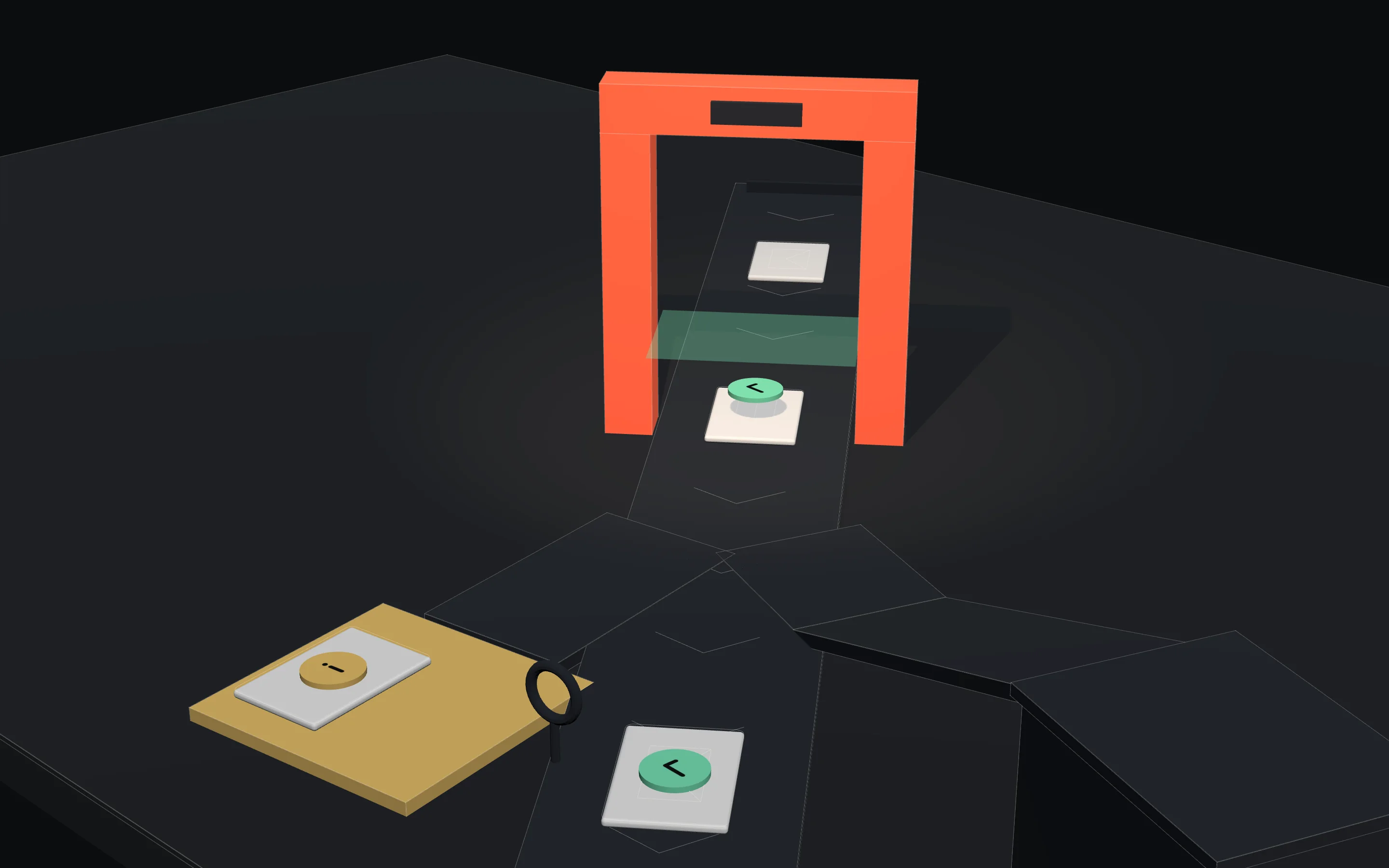
Try it on one workflow first.
In two to four weeks you'll see what your AI is really doing, where records are missing, and what needs tighter control. Low risk, no big commitment.
- 1
Pick one
Choose one place where your AI does real work.
- 2
Switch it on
We connect Sentisec in watch-only mode. Nothing changes for your team.
- 3
Watch it work
See every action, every decision, and anything risky it catches.
- 4
Get your report
A clear summary of what we found, and what to do next.
See what your AI is doing, before it becomes a problem.
Book a free 30-minute walkthrough. We'll show you Sentisec live and map where your AI could use a safety net.
- A live walkthrough, in plain language
- A quick look at where you're exposed
- A simple plan to start with one workflow